Our use of cookies

We use necessary cookies to make our website work. We’d also like to use analytics and functional cookies which help us make improvements to the website by measuring how you use it, and to enable our website to offer you additional functionality.

More information on how we use cookies can be found in our cookie policy.

Optoma Display Share 2

Display Share 2

Wireless Screen Sharing Solution

Display Share 2 is a wireless screen sharing and presentation software designed for meeting rooms and classrooms, enabling seamless content sharing, screen mirroring, and collaboration from any device—without cables.
  • Compare ideas easily with up to 9 screens displayed at once
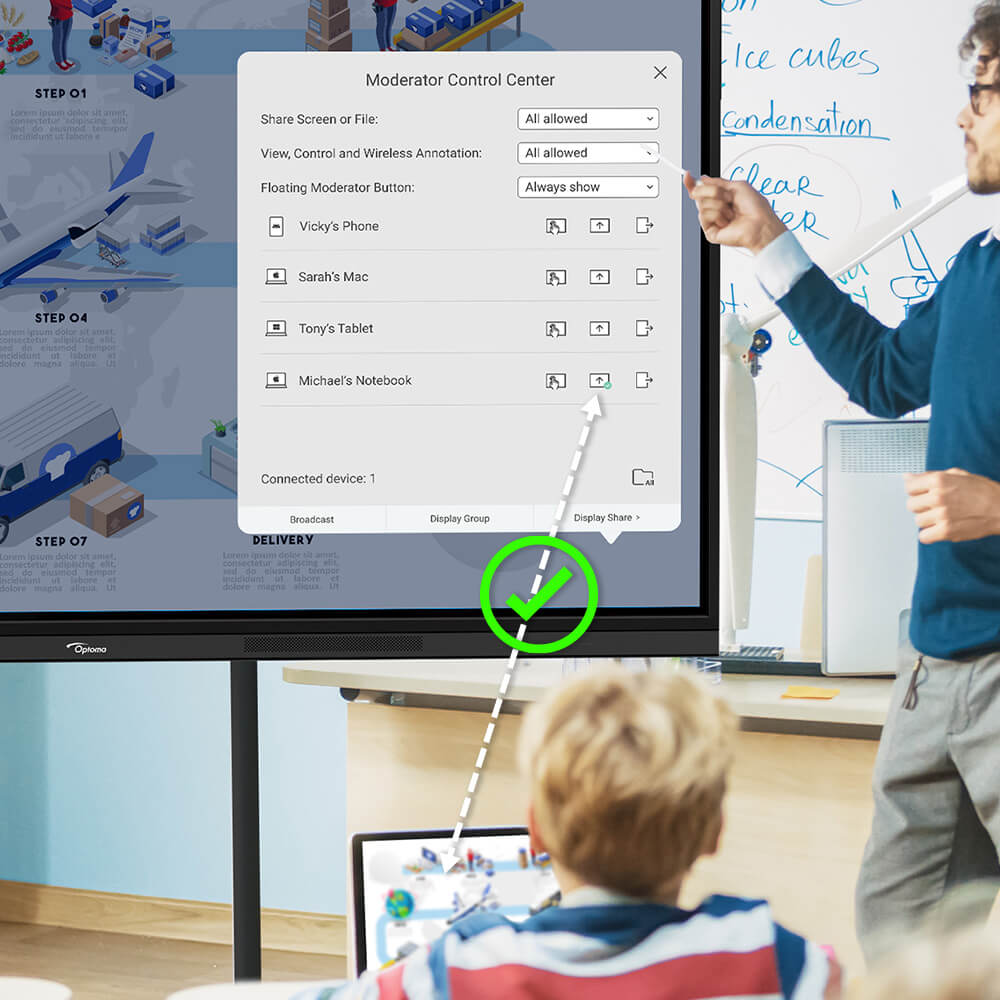
  • Keep sessions organized with the Moderator Control Center
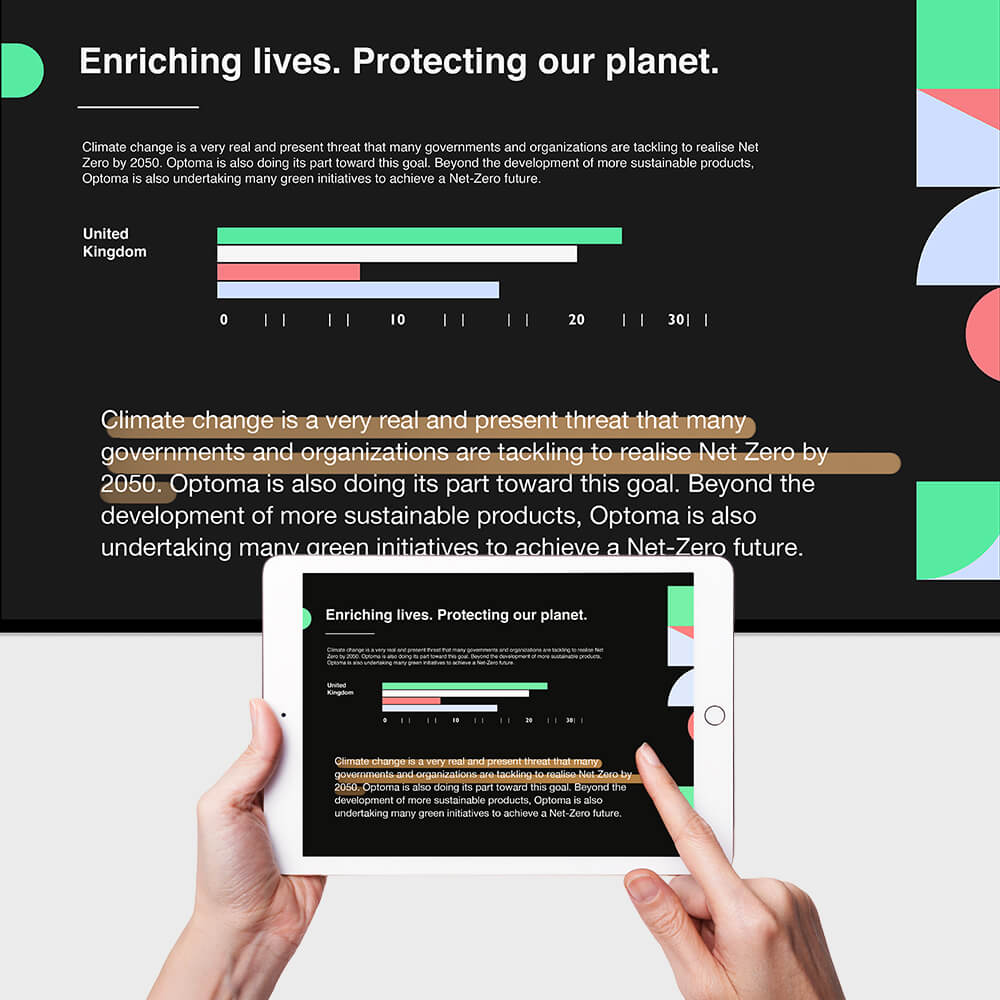
  • Control and annotate the display directly from your device
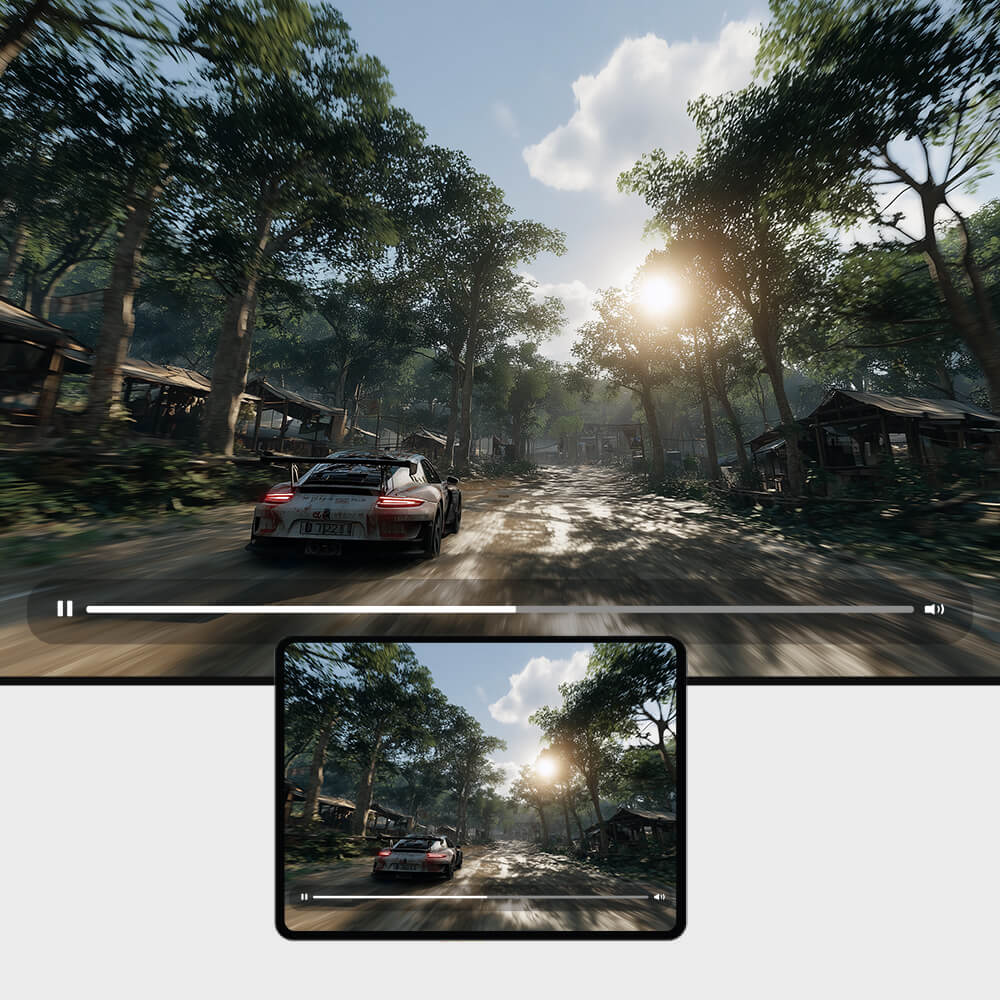
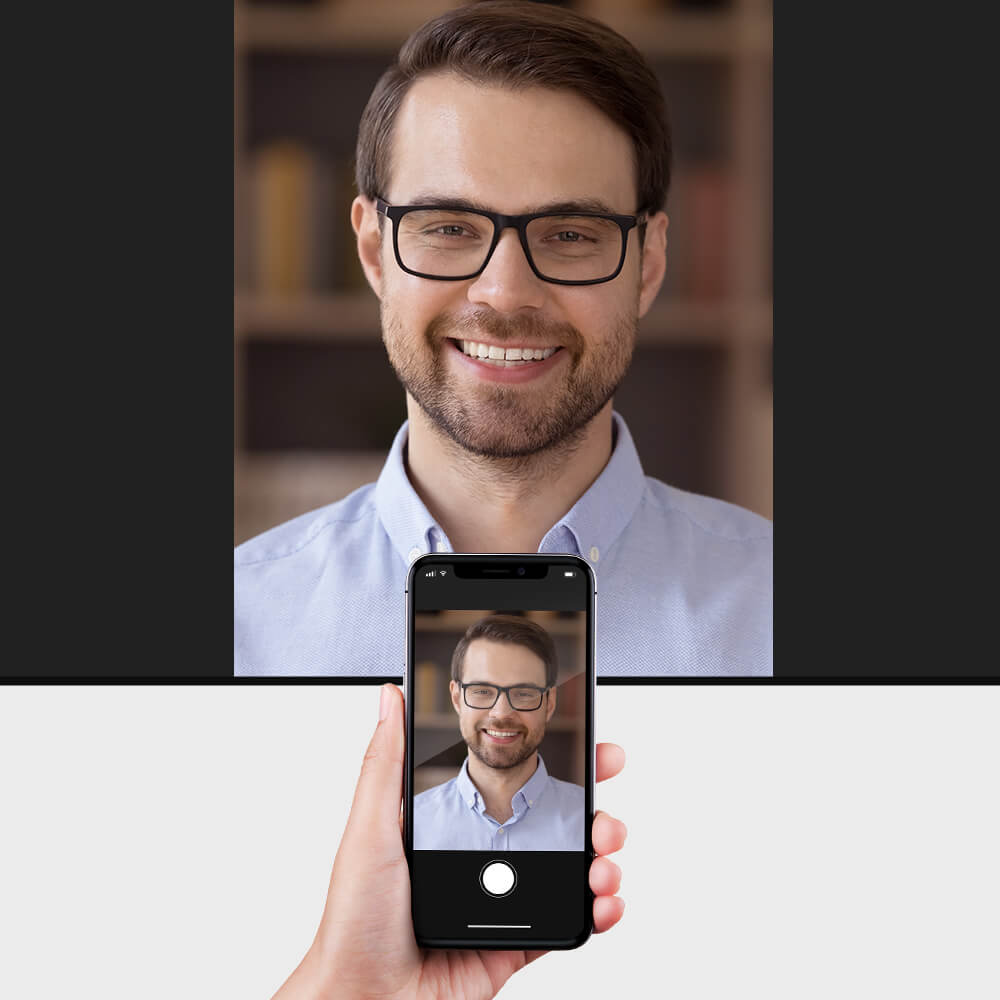
  • Share files quickly — photos, videos, documents, and live camera
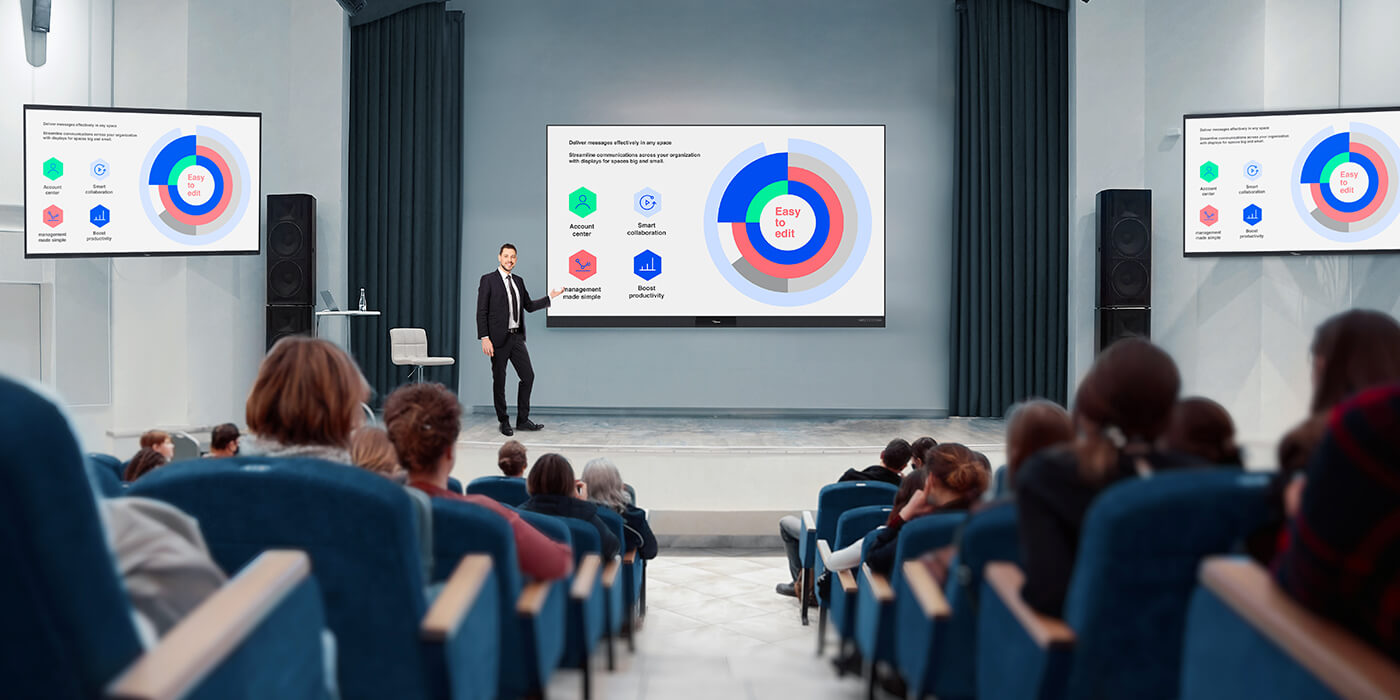
  • Broadcast content to multiple displays for large rooms and events
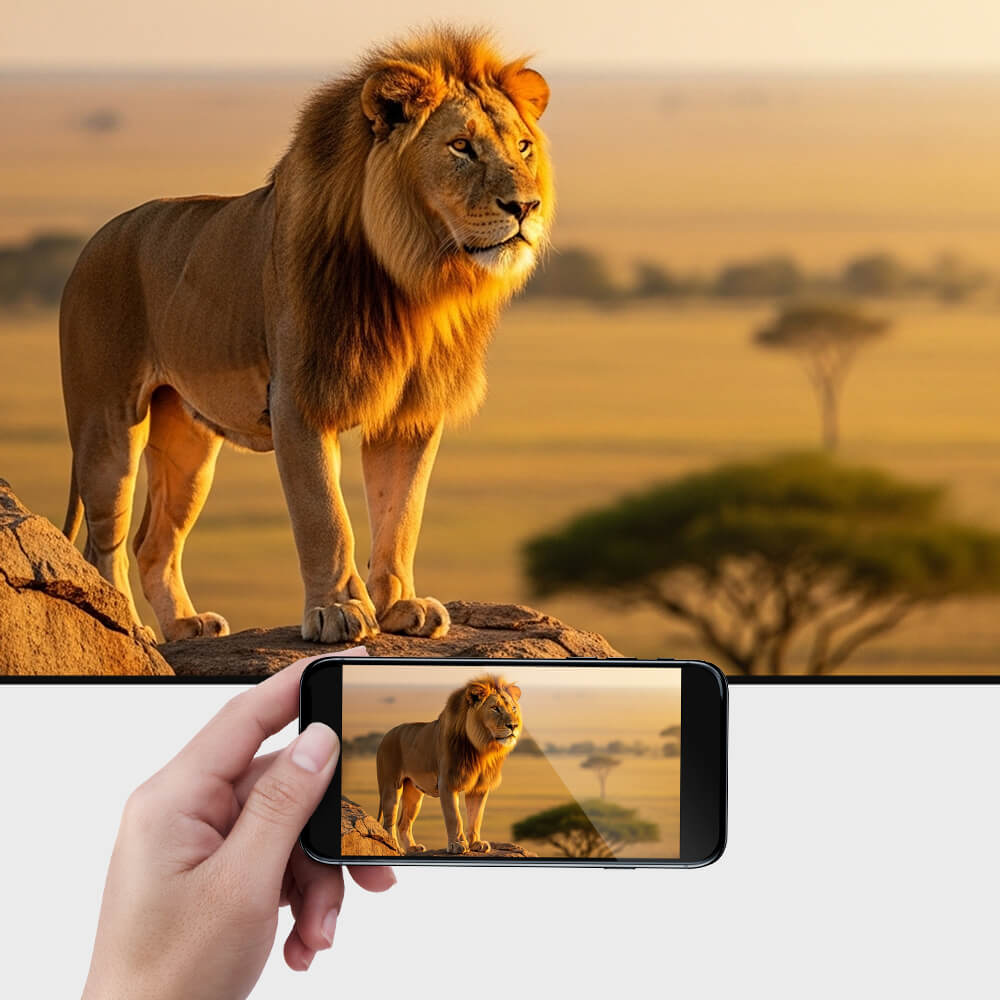
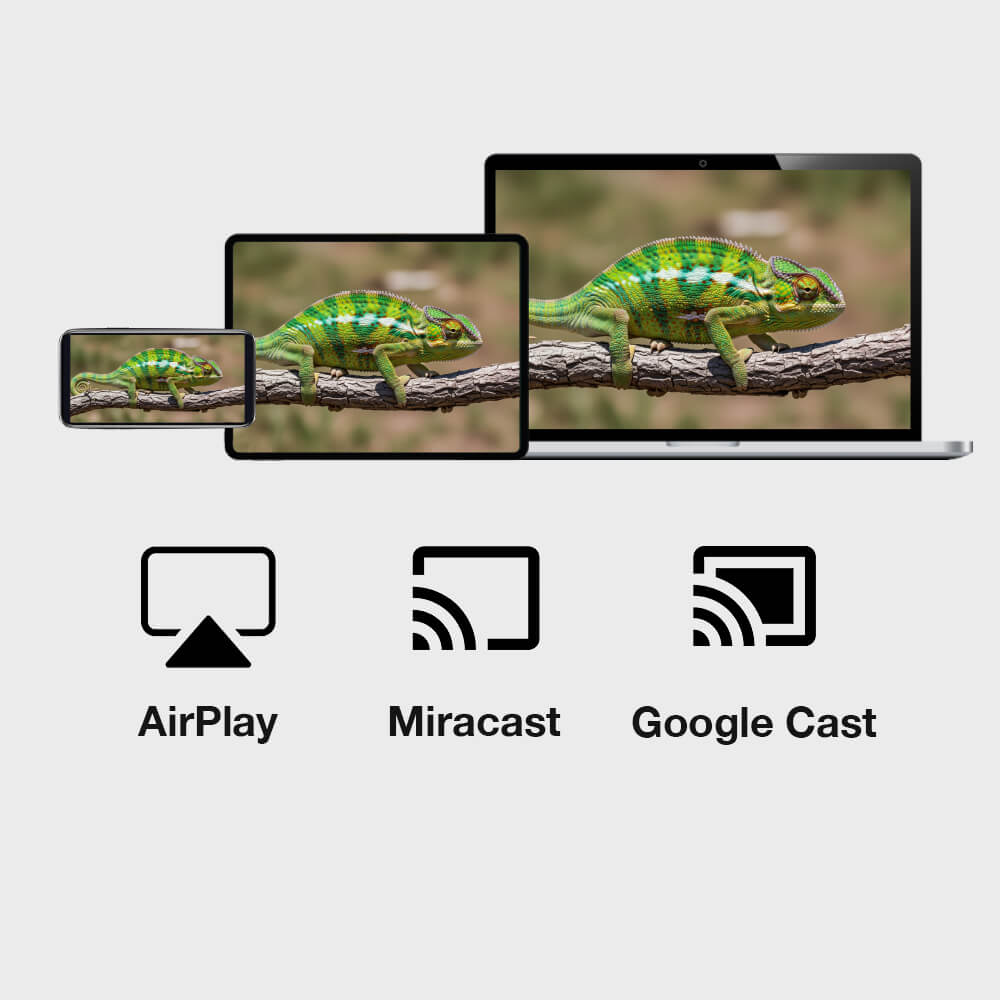
  • Supports AirPlay, Miracast, and Google Cast for wireless screen sharing
Display Share 2

Flexible Wireless Collaboration for Modern Spaces

Display Share 2 makes it easy to share content from laptops, tablets, and smartphones—enabling seamless collaboration and smooth presenter switching in meeting rooms and classrooms.
  • Wirelessly present from any platform

    Display Share 2 supports native casting, making it easy to share from Windows, macOS, iOS, and Android
  • Share

    Share Multiple Screens Simultaneously

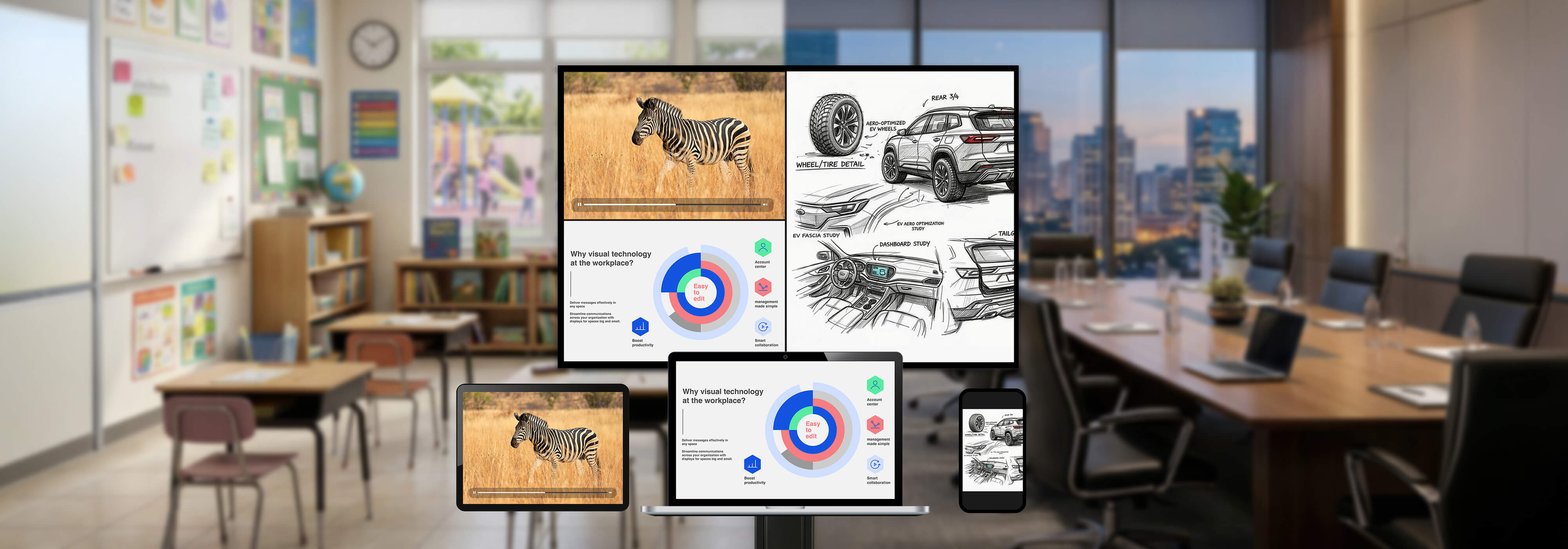
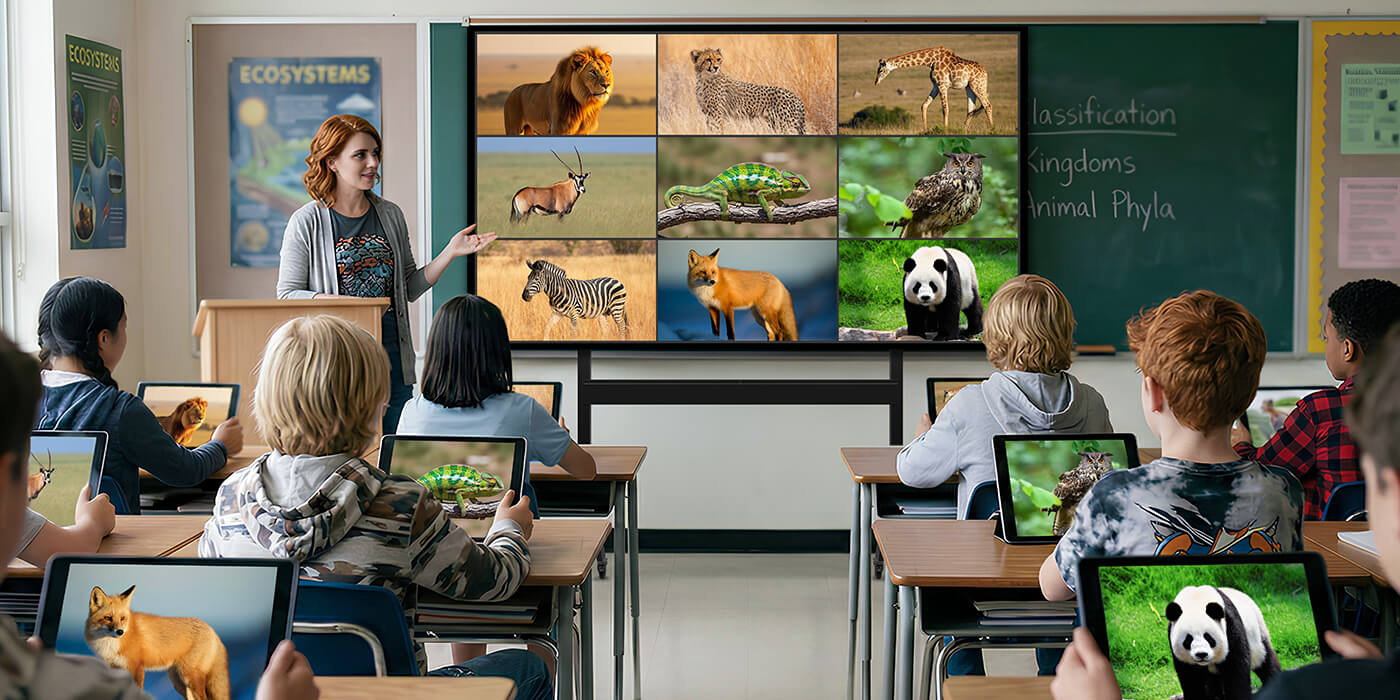
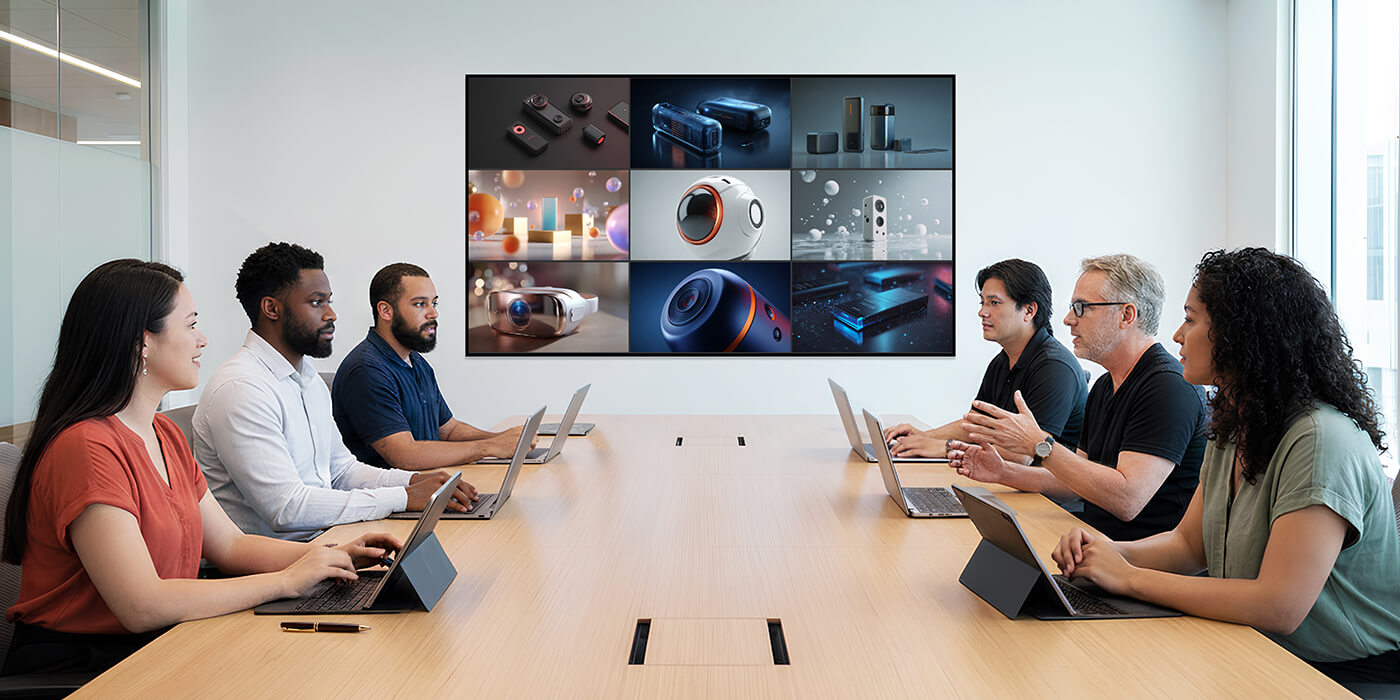
    Display and compare content from up to 9 devices simultaneously on a single screen
  • Remote

    Remote Display
    Interaction

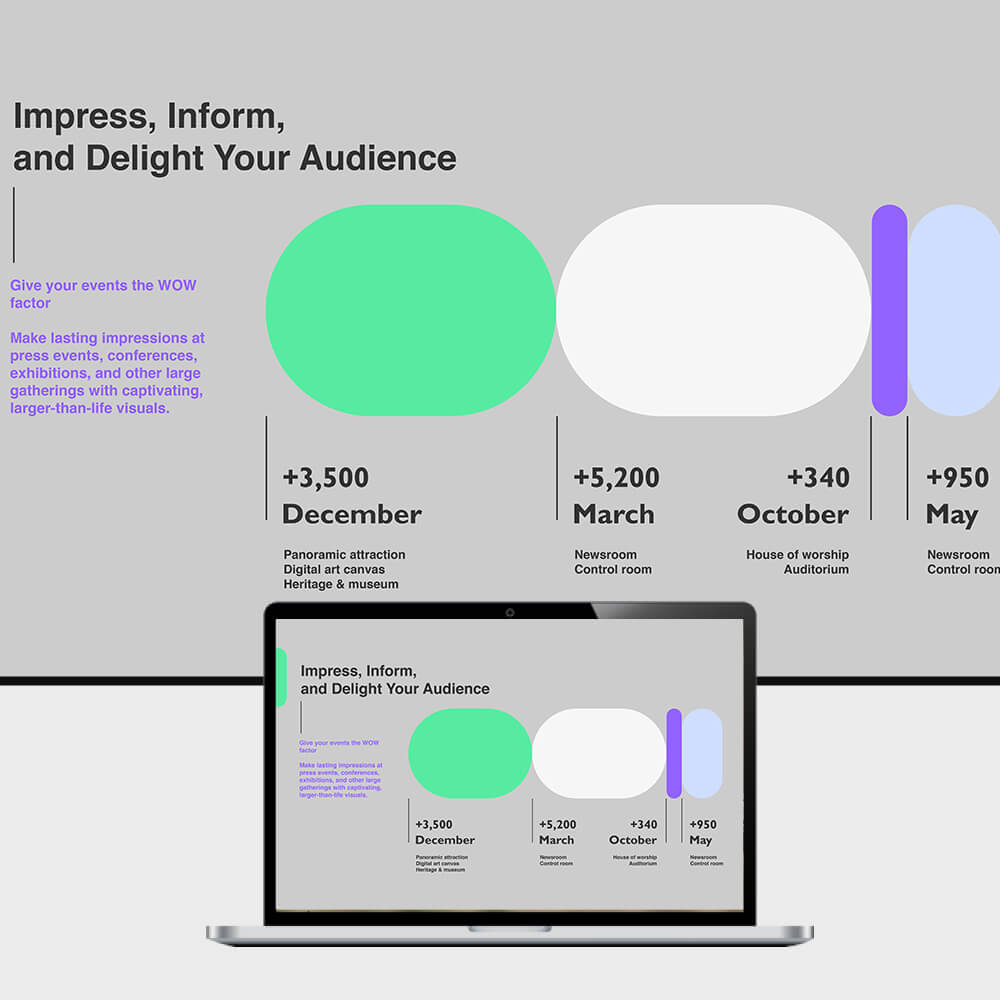
    TV Mirror lets unlimited devices view and interact with the main display, with annotation and screenshot tools included
  • Display

    Display Group
    Broadcasting

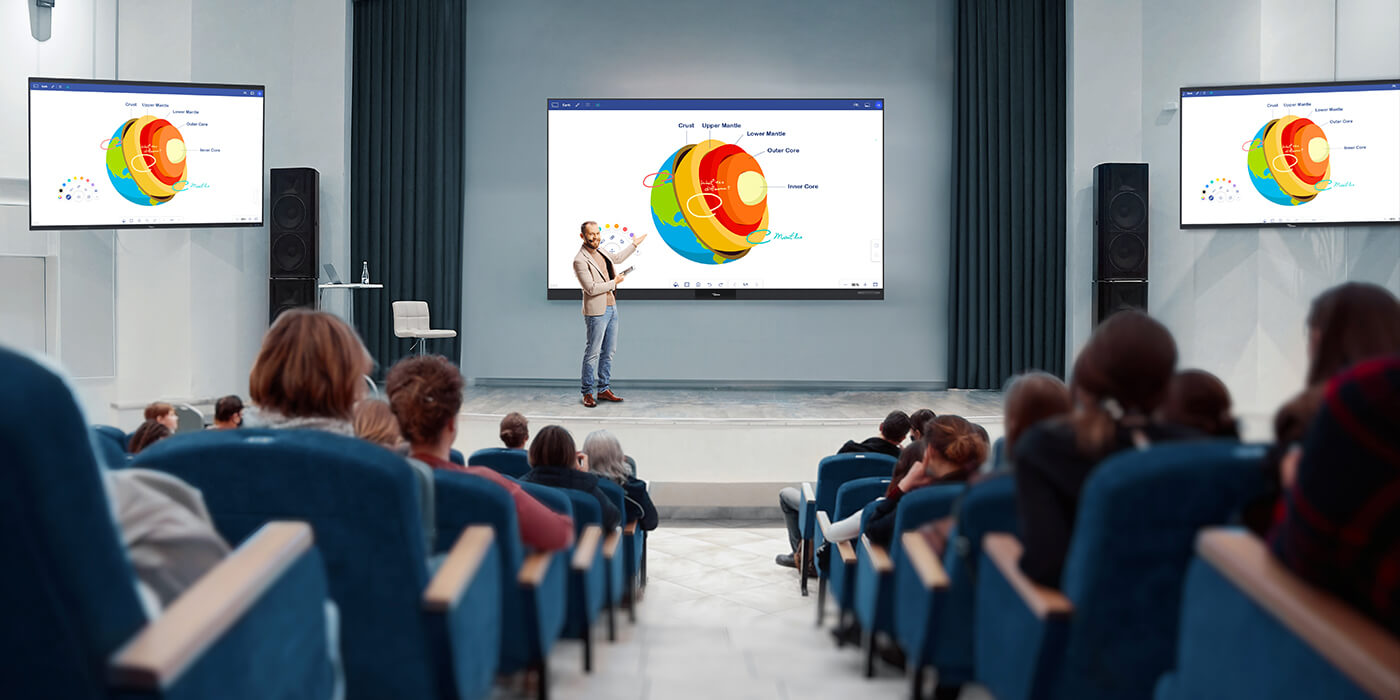
    Synchronize and broadcast content from one display to multiple displays in real time — perfect for large rooms and events

Designed for Meetings and Classrooms

Connect devices instantly, share ideas visually, and manage presentations with ease — whether in classrooms or meeting rooms.
Encourage Active Participation

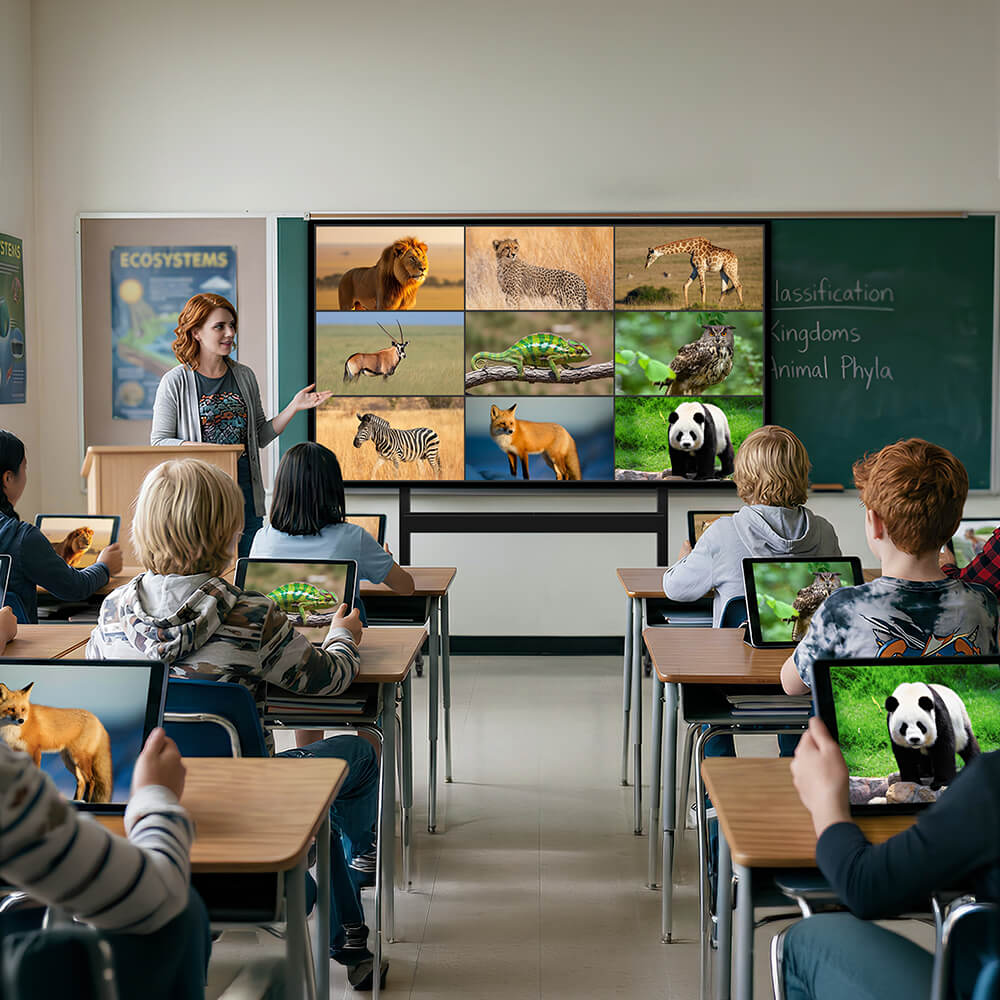
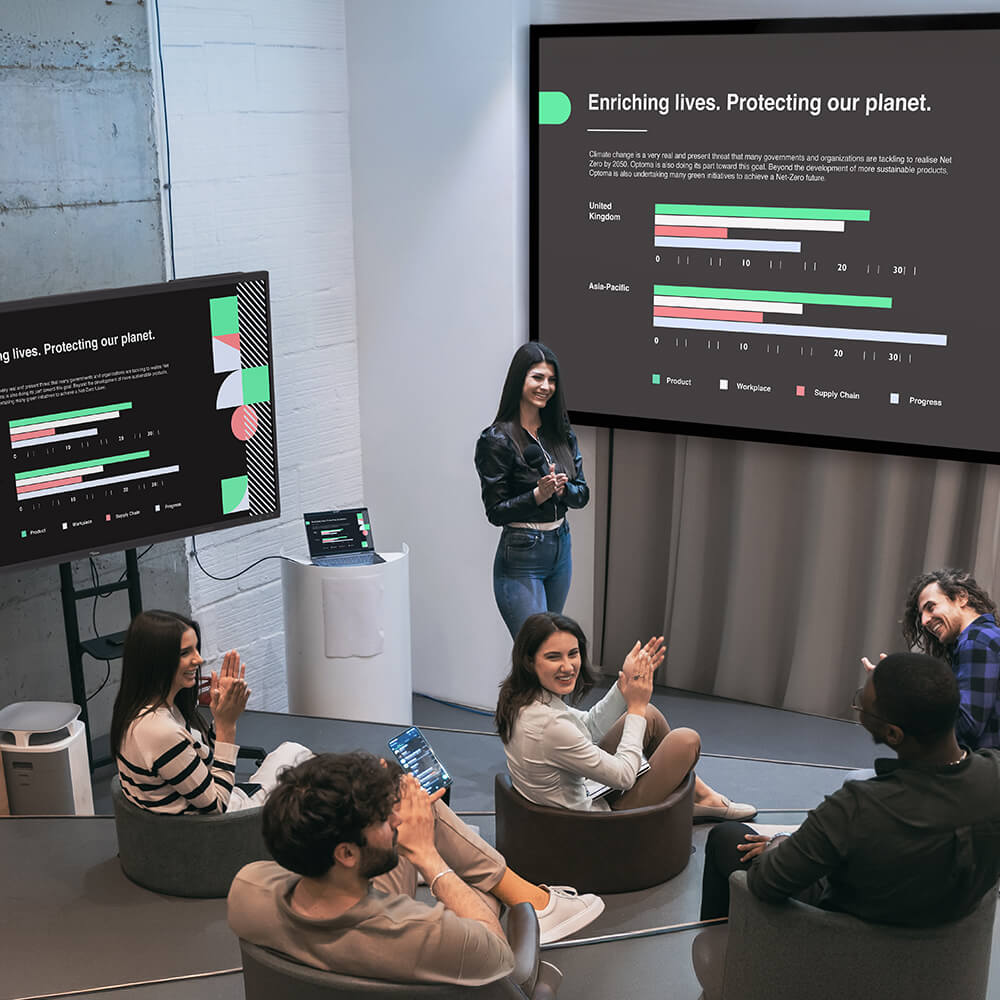
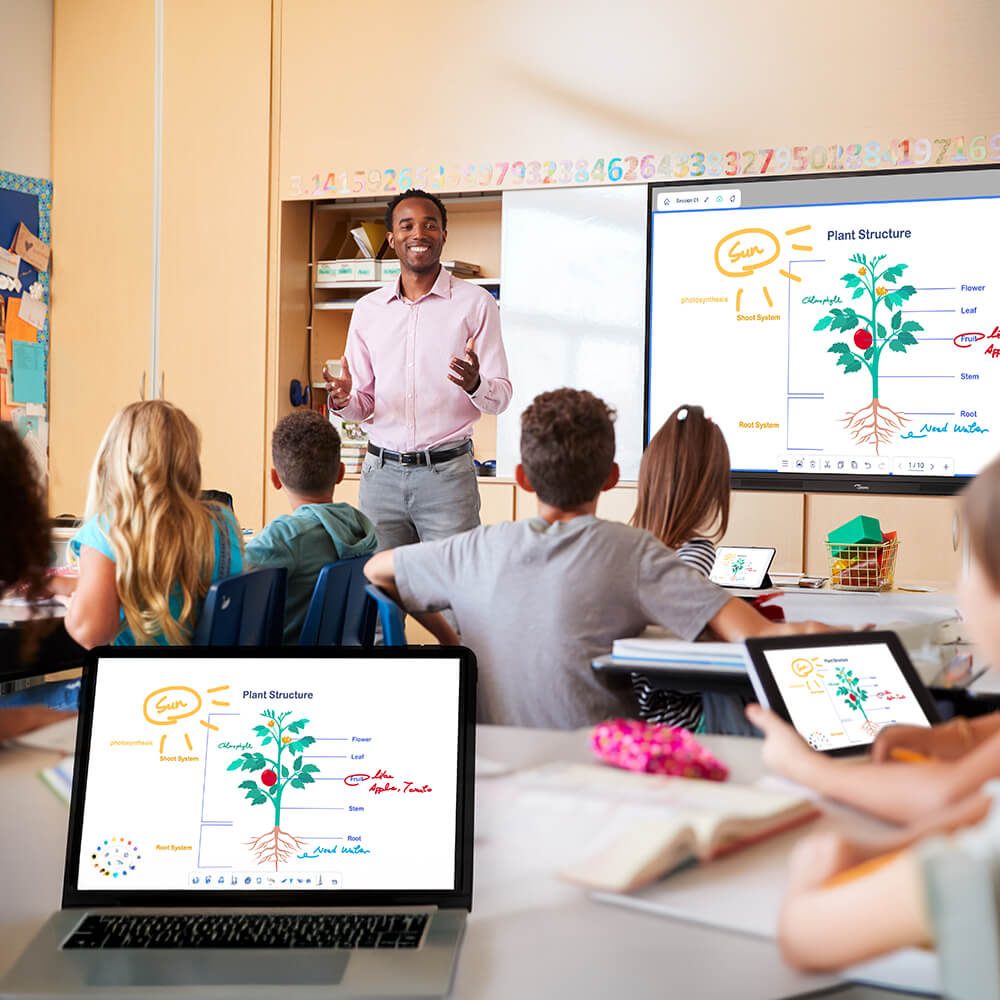
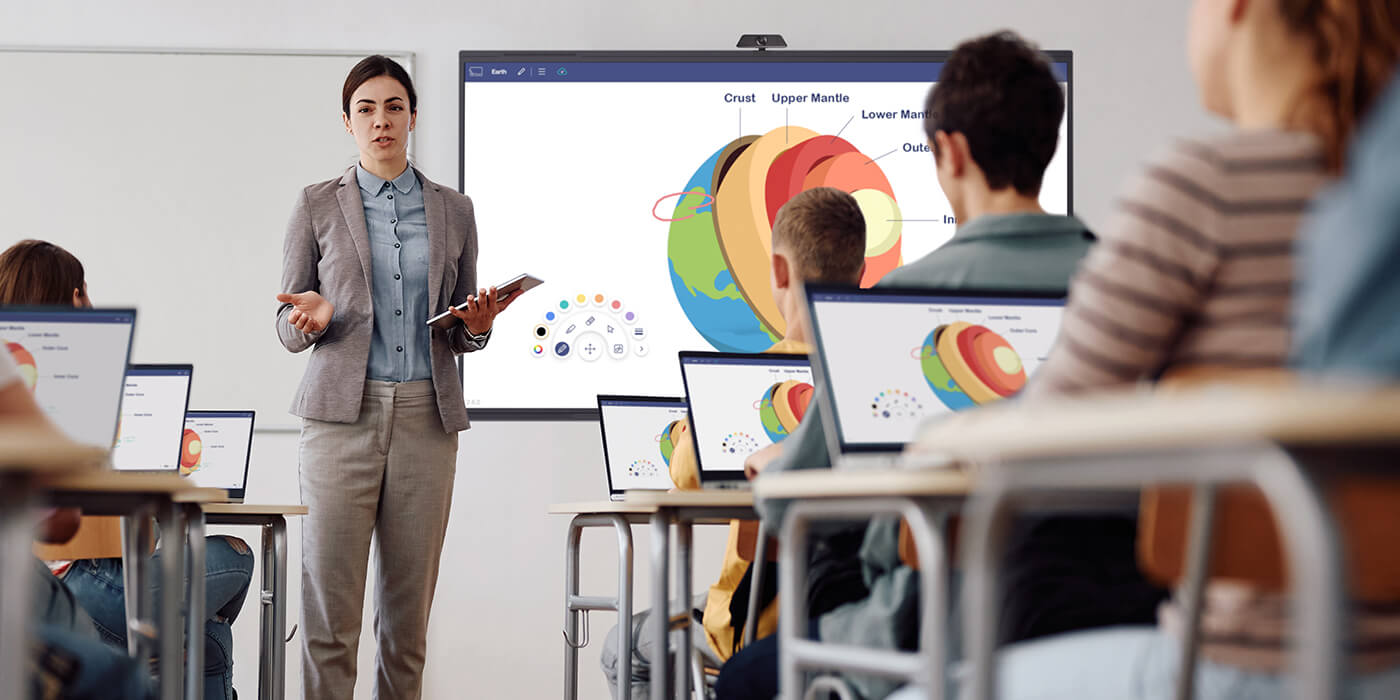
Students can share their screens instantly, allowing teachers to display multiple ideas side by side and encourage discussion and peer learning.

  • 9-way multi-screen sharing
  • Wireless casting from laptops, tablets, and phones

Teachers can manage who presents and approve screen sharing requests, keeping lessons focused and preventing interruptions during class.

  • Presenter management
  • Sharing approval

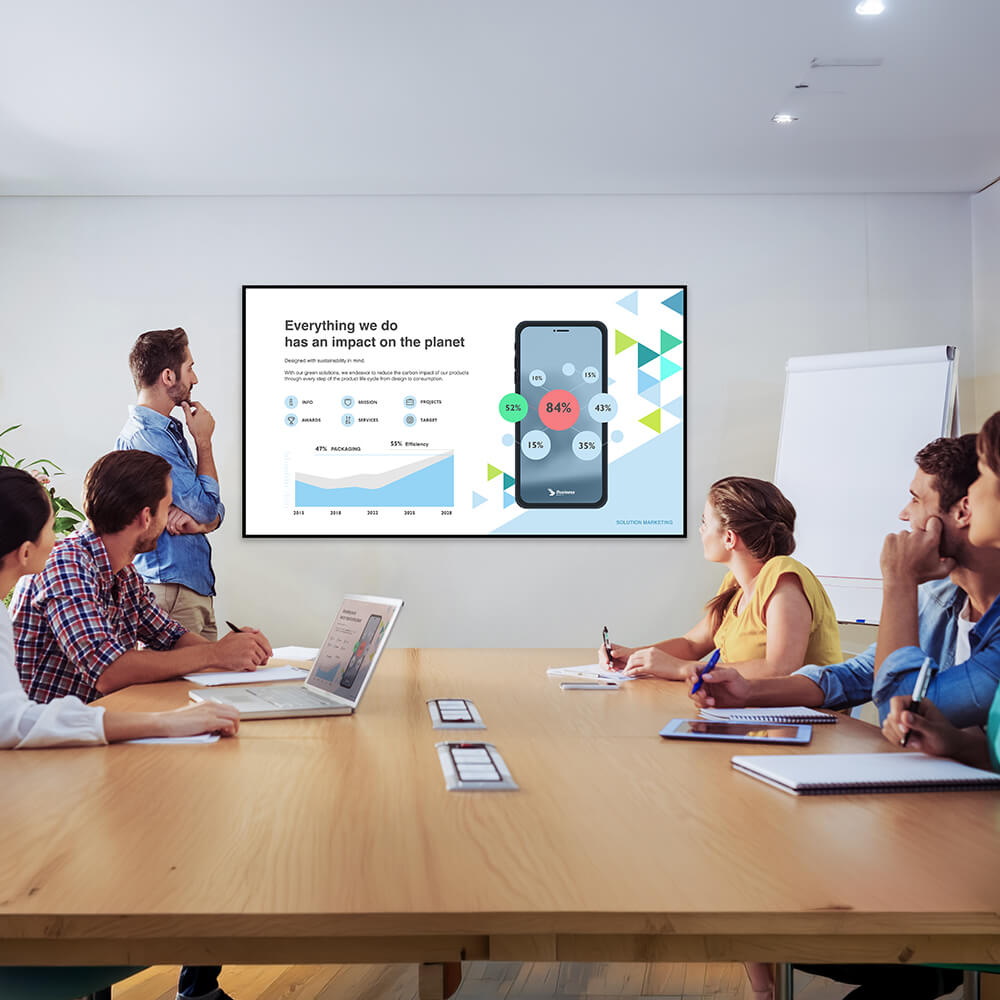
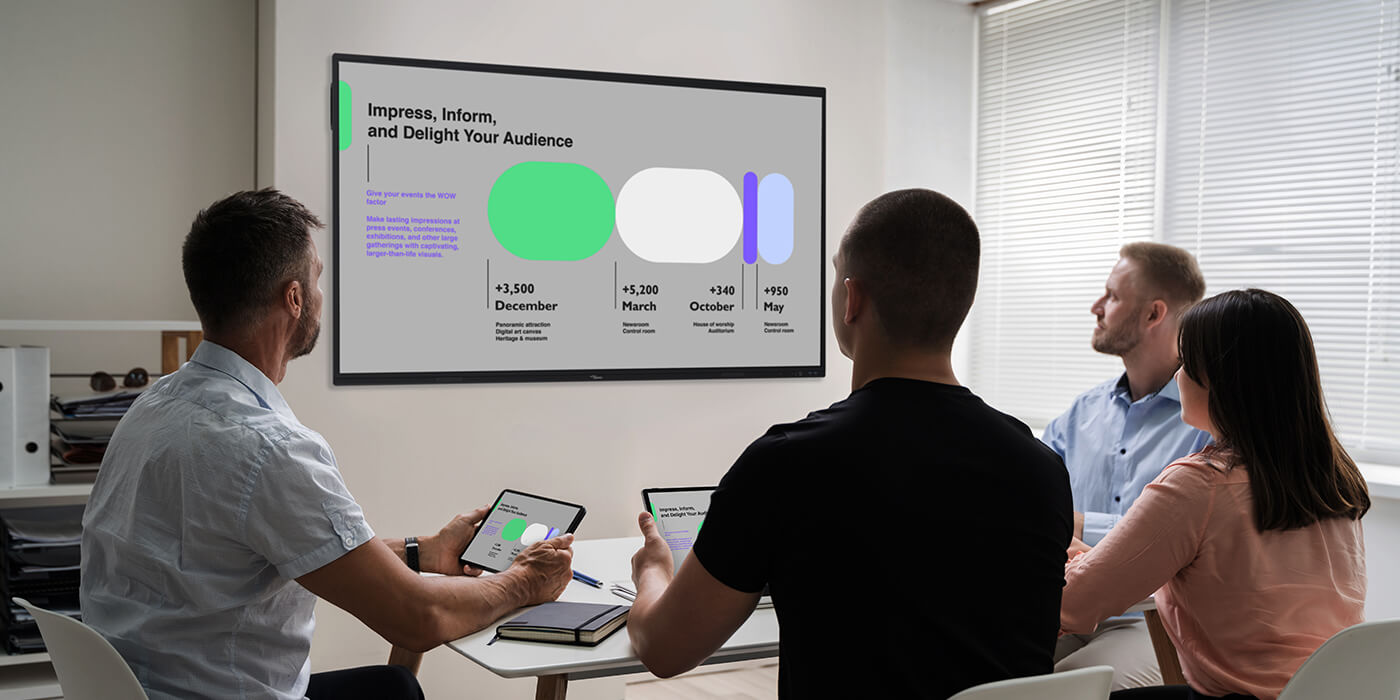
Participants can share content instantly from their own devices, enabling dynamic collaboration and smoother discussions in meetings. Choose how you share:

  • Display Share 2 app for advanced collaboration features
  • AirPlay
  • Miracast
  • Google Cast

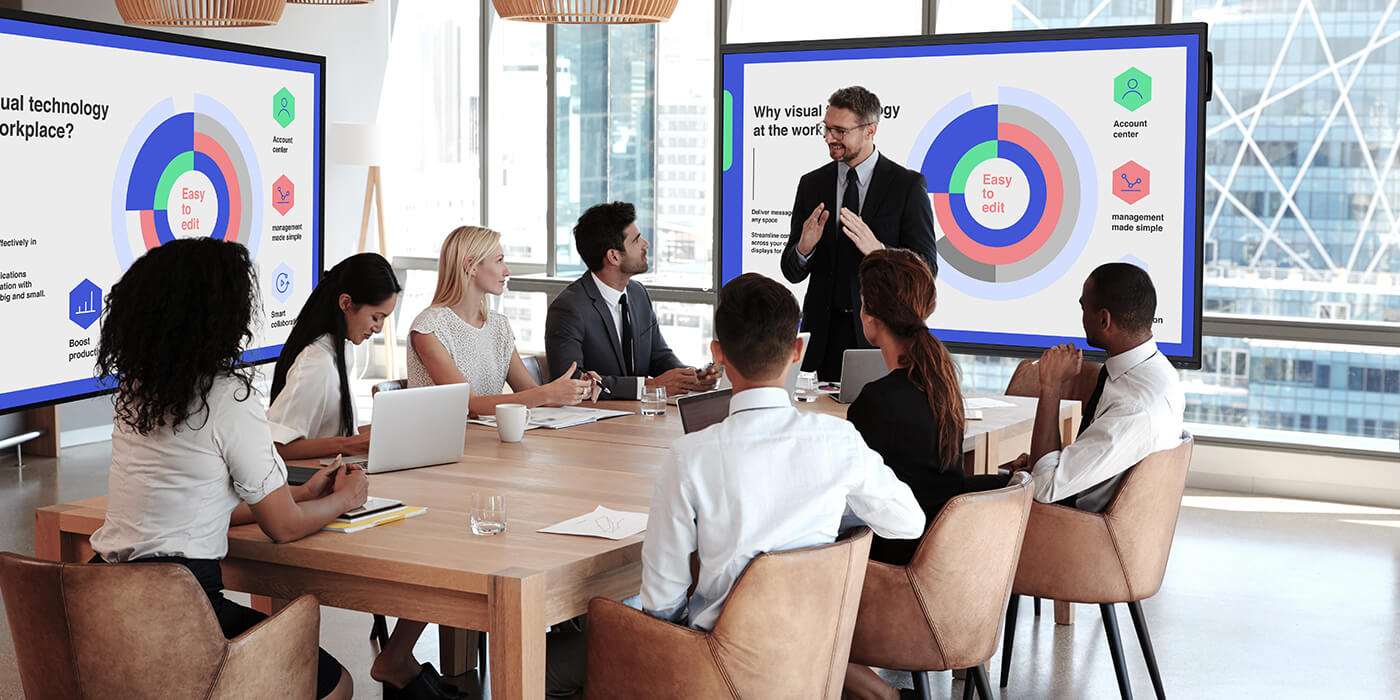
Display content from multiple devices simultaneously so teams can review documents, analyze data, and make decisions more effectively.
  • 9-screen split view
  • Simultaneous screen sharing

Share Your Way

Simple to Connect. Easy to Share.
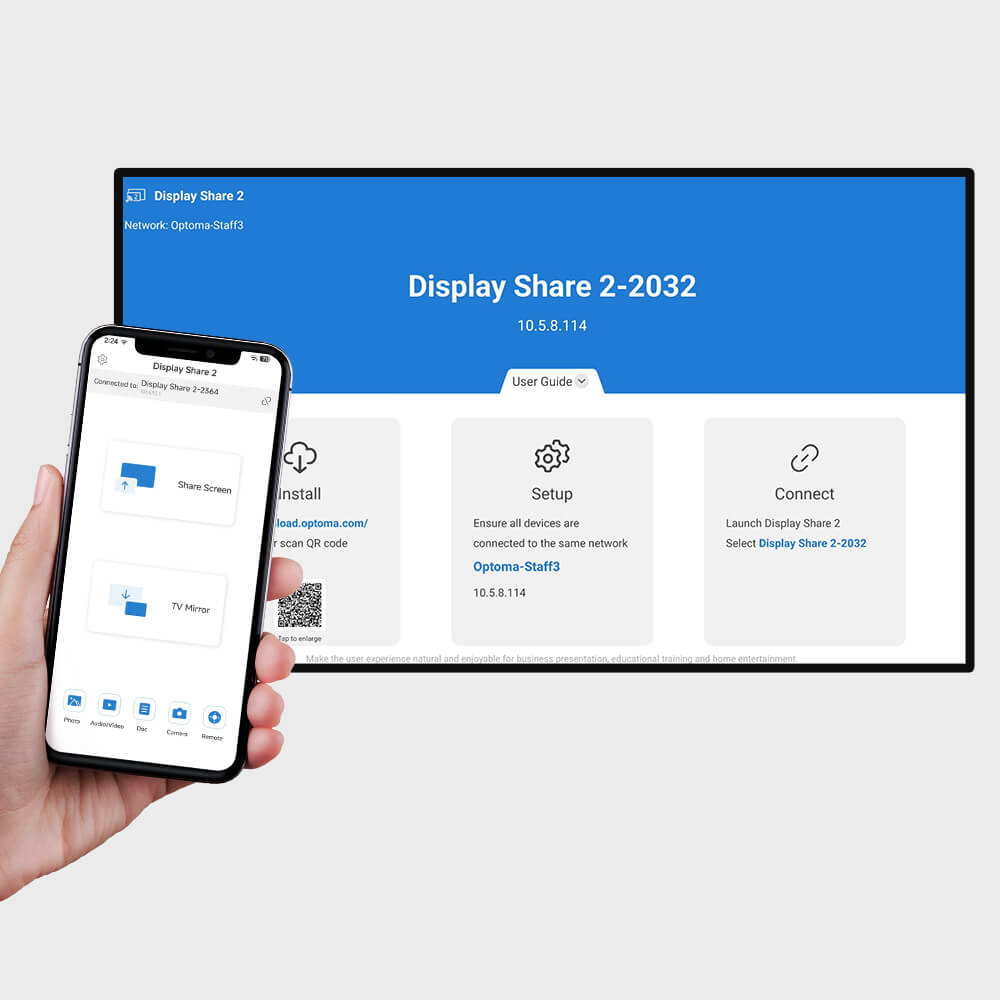
Easy sharing with Display Share 2 app
Use the Display Share 2 app to unlock advanced features like wireless display control, annotation, display grouping, and touchback for direct interaction with the meeting room display.
Cross-platform compatibility (iOS, Android, Windows)
Share instantly via:
AirPlay • Miracast • Google Cast
Perfect for guests and quick presentations.
*All devices needs to be in the same network domain. *OS support: Windows, MacOS, iOS, Android, Ubuntu.

Share More Than Just Your Screen

With Display Share 2 app, instantly share photos, videos, and documents from your device — perfect for quick, distraction-free presentations without screen mirroring.

Photos

Audio / Video

Documents

Camera

Collaborate Across Multiple Screens

Display content from up to 9 devices at once, making it easier to collaborate, discuss, and learn together.
Compare Ideas Side by Side
Compare Ideas Side by Side 2
Easy annotation and control with Display Share 2 app

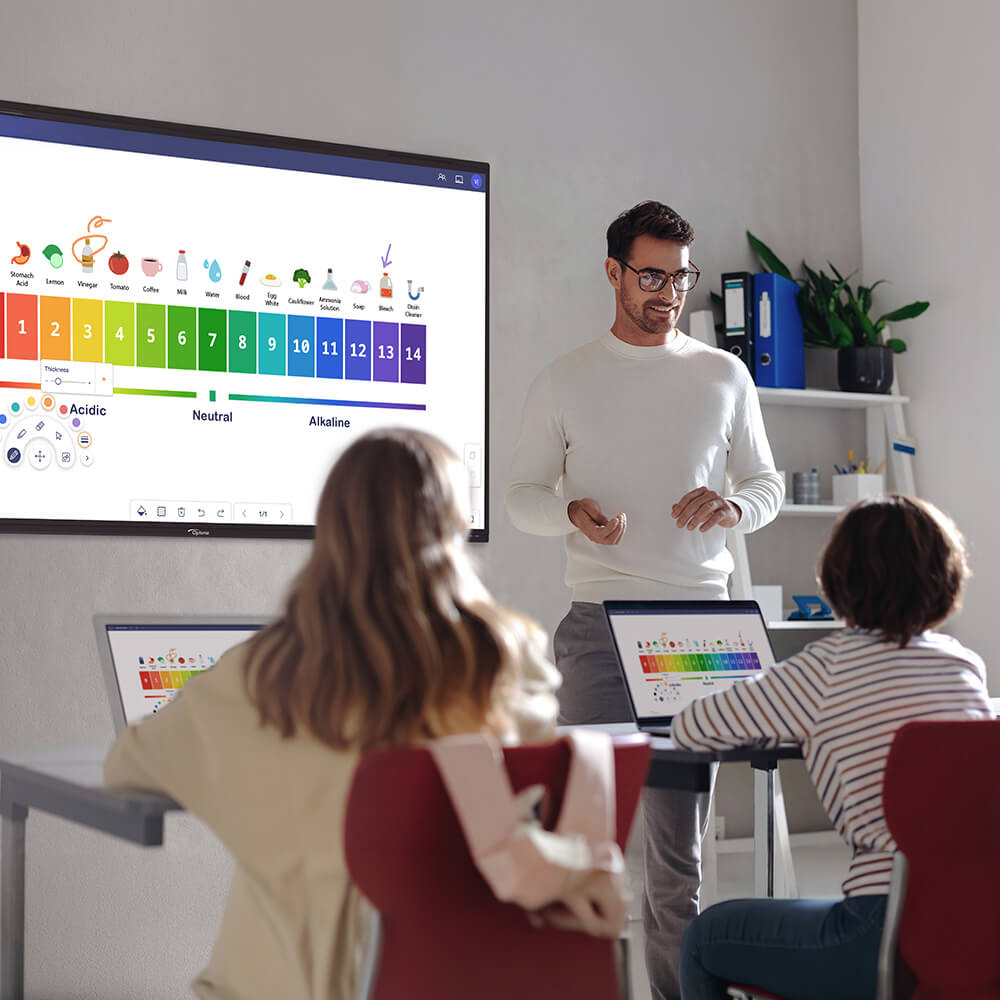
Control and Annotate the Display from Your Device

Use TV Mirror to view, control, and annotate the display directly from your personal device — perfect for guiding discussions and presentations.

• Live view of the display on your device
• Remote navigation and control
• Annotation tools
• Screenshots and file upload
Display Share 2 Moderator control for classrooms

Take Control of Wireless Collaboration with Moderator Control

The Moderator Control Center allows hosts or teachers to manage sharing sessions by approving, prioritizing, or switching presenters right from the main display.

Multi-Display Content Broadcasting

Deliver synchronized presentations across multiple displays from a single source — perfect for large conference rooms and corporate training sessions.
Display Share 2 multi-display broadcasting

Designed for Meetings and Learning

Designed for Optoma Display Solutions

Display Share 2 is optimized for Optoma’s professional display portfolio, enabling seamless wireless collaboration across interactive flat panels, flat panel displays, and all-in-one LED displays.
Specification
General
Operating system compatibility
Android 7.0+, macOS 11+, iOS 12+, Windows 8.0+